Order Search & Voiding Orders
Find any order fast and void it the right way.
Restaurant POS system · Kitchen display system
Most POS vendors charge $20 to $25 per kitchen screen per month. Cobblestone POS includes unlimited KDS screens with ticket timers, color alerts and a text to the guest when the order is ready, for $0. Put a screen on the grill, the fryer and the expo window without thinking about the bill.
What it does
Set the target time; tickets change color as they age so the line sees trouble before the guest does.
Grill, fryer, cold station, expo. Each screen shows what that station needs.
Online, delivery and catering tickets arrive on the same screens with the same timers.
Bump the ticket and the guest gets a text. No shouting names across the dining room.
A tablet or monitor per station; no proprietary hardware required.
See average ticket times by hour and by station to staff the rush properly.
Part of one system
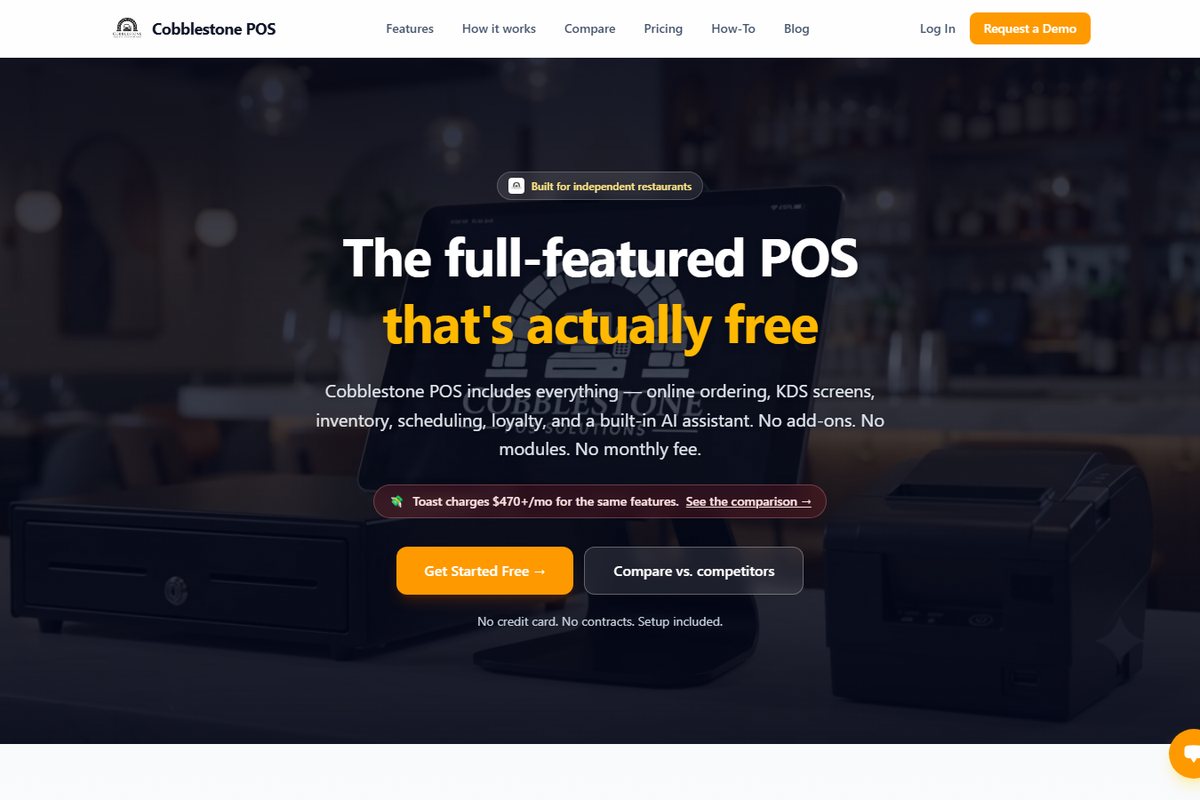
Kitchen display system is one piece of Cobblestone POS: point of sale, online ordering, kitchen display, inventory, scheduling, loyalty, delivery and catering, reporting and the Daisy, the AI operating partner. $0 a month, no modules, no contract, available to restaurants nationwide. See how the pricing works.
See the full restaurant POS systemWatch
Find any order fast and void it the right way.
Set ticket timers and alerts on the kitchen screen.
Customize receipts and order-ready text messages.
FAQ
$0 per screen, unlimited screens. The only cost is the tablet or monitor itself if you don't already have one.
Yes. Timer and alert thresholds are configured per screen; the KDS timer and alert settings video walks through it.
Yes. Online ordering, delivery and catering tickets land on the KDS with timers like counter orders.
It can, or you can run both. Receipt and kitchen printing settings are configurable per station.
Keep reading
Works with
Class sign-up