Why We Started Cobblestone POS
The story behind the POS, built while running a real shop.
Restaurant POS system · Inventory management
Inventory fails in restaurants because someone has to type the invoices in. In Cobblestone POS you forward the invoice by email; the system reads it, updates item costs and cost of goods, and keeps stock levels and weekly counts current. It's included at $0, where other systems charge $60 to $75 a month for the module.
What it does
Forward the Sysco, US Foods, PFG or local supplier invoice. The POS reads line items and prices.
Item costs update when prices change, so your food cost reflects this week's cheese, not last quarter's.
Par levels, on-hand counts and usage, without the clipboard spreadsheet.
See what each vendor has charged over time, and spot the creep.
Daisy answers questions like what did we pay for fryer oil last month in plain English.
Consulting clients use it alongside the Kitchen Numbers Workbook for recipe costing and menu engineering.
Part of one system
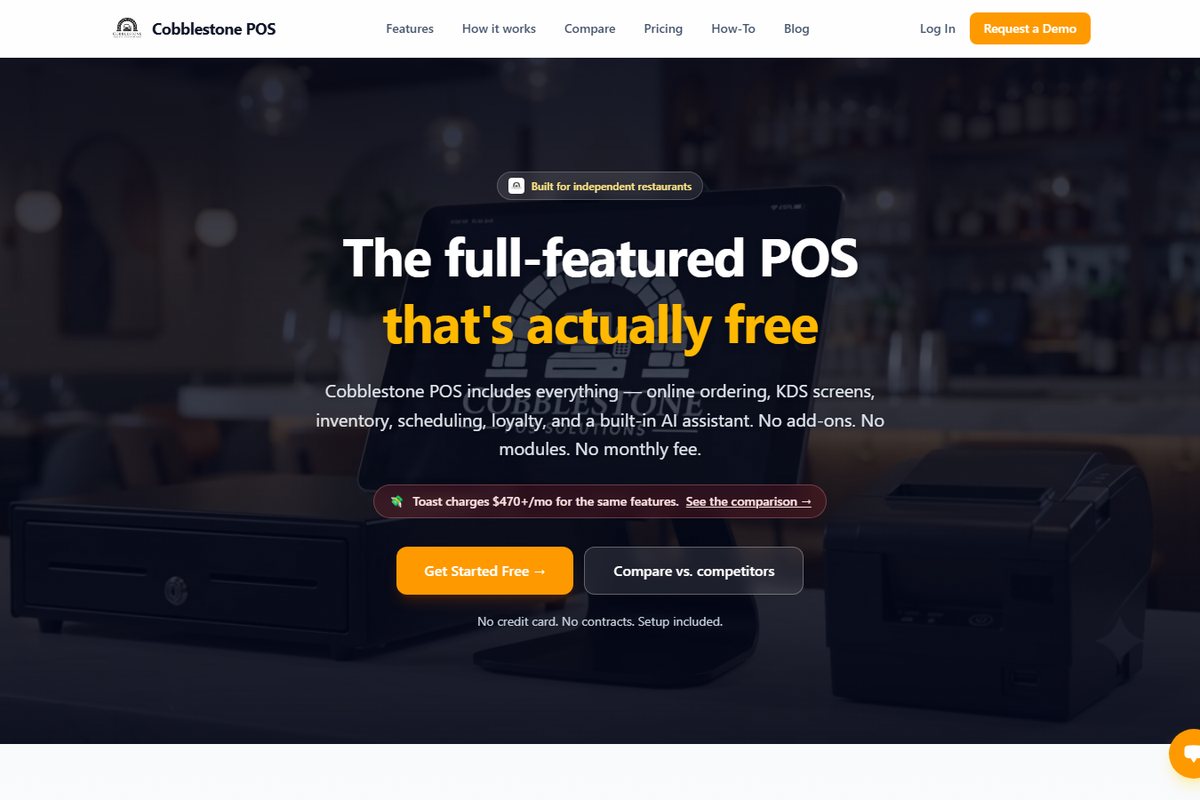
Inventory management is one piece of Cobblestone POS: point of sale, online ordering, kitchen display, inventory, scheduling, loyalty, delivery and catering, reporting and the Daisy, the AI operating partner. $0 a month, no modules, no contract, available to restaurants nationwide. See how the pricing works.
See the full restaurant POS systemWatch
The story behind the POS, built while running a real shop.
Find any order fast and void it the right way.
Stock levels, weekly counts and vendor invoices.
FAQ
It reads emailed PDF and image invoices from broadline and local vendors. If a vendor sends paper, photograph it and email it in.
It tracks item costs and cost of goods from your invoices and sales. For recipe and plate costing and menu engineering, pair it with the Kitchen Numbers Workbook used in the Owner Boot Camp.
No. It's included in the $0-a-month system with everything else.
Vendor Price Compare, in development, lines up two or three vendor price lists side by side with the lowest price highlighted. Ask for early access.
Keep reading
Works with
Class sign-up