Run your restaurant
An operating partner behind the counter
- Daisy, your AI operating partner
- Restaurant POS
- Payment processing
- Online ordering
- Kitchen display systems
Daisy · The AI operating partner for independent restaurants
Daisy is the operating partner built into Cobblestone POS. Ask her what food cost was last week and she answers. Tell her to post the weekend special, fix the schedule or read an invoice and she does it. It’s 11:30 at night and an idea hits you in bed? Text Daisy. When you get up, it’s done. The software is $0 a month, and behind her is a 25-year operator who helps you run the place.
Three ways we help
Run your restaurant
Grow your restaurant
Improve your restaurant
Cobblestone POS + Daisy
A POS rings up the ticket and stops. Daisy lives inside the system, so she already knows your menu, your staff, your sales history and your inbox. You talk to her the way you’d talk to a manager who never goes home: ask a question and get a straight answer, hand her a job and it gets done.
Ask her
Tell her
It’s 11:30 at night. You’re in bed and you remember the special never got posted and the schedule needs a swap. You text Daisy. When you get up, it’s done. That’s Daisy.
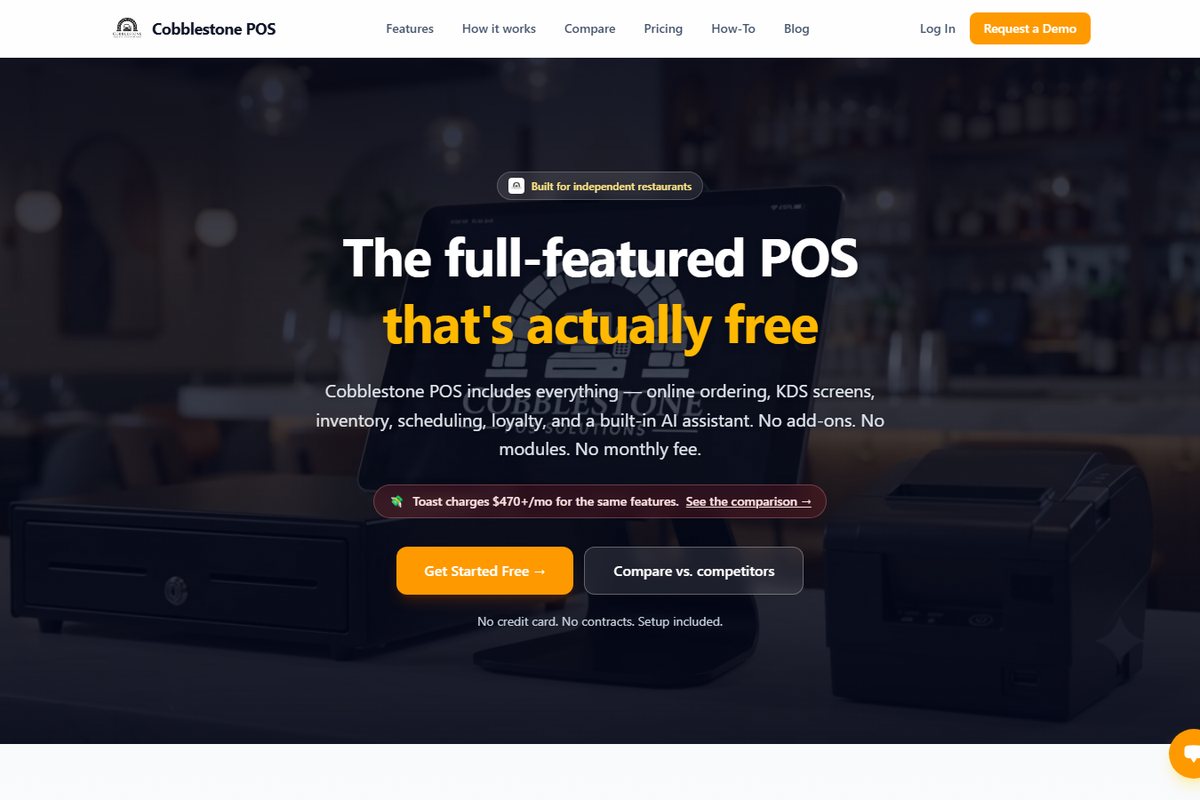
Point of sale, commission-free online ordering, kitchen display screens with timers and order-ready texts, delivery zones on a live map and scheduled catering. Unlimited terminals and screens.
Daisy drafts the schedule from availability and sales forecasts and flags when you’re overstaffed. Forward a vendor invoice and inventory updates your costs. Every morning she briefs you on yesterday’s sales.
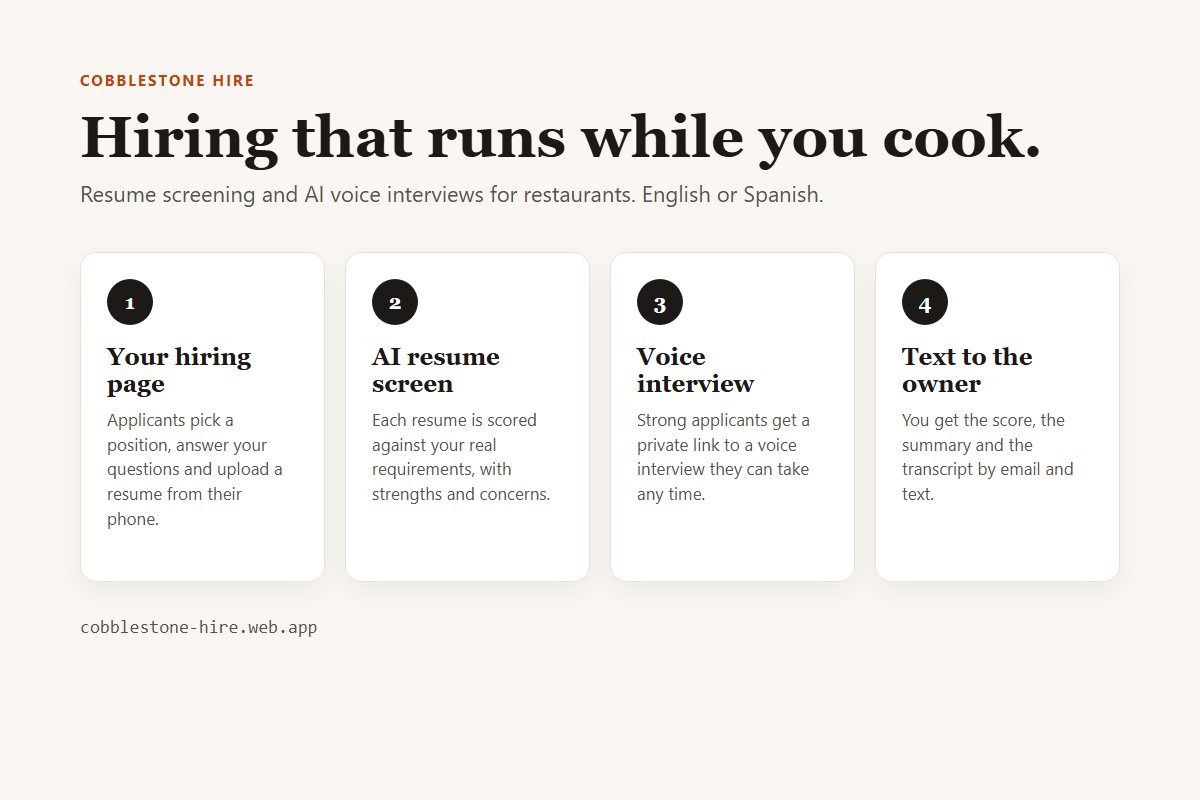
Loyalty points at checkout. Daisy writes the specials post, designs the graphic in Canva and publishes it to Facebook and Instagram, 86s an item and announces it when you run out, and researches local competitors to suggest campaigns. Cobblestone Hire screens and interviews applicants.
Jason ran 13 locations before writing this software. The person who shows you the system is the one who sets it up, and consulting and training are there when the problem is bigger than software.
What it costs
Every feature on, unlimited terminals and screens, no add-on modules, no contracts, no setup fee. What costs money: card processing (a small margin, quoted to you up front) and hardware, only if you don’t already own a tablet, printer and card reader.
Built for counter service: quick-service, pizzerias, coffee shops, food trucks and ice cream shops.
Everything Daisy does · Compare with Toast, Square and TouchBistro · How switching works · Watch the how-to videos
Cobblestone Payments
Send us your latest processing statement. We read it line by line, work out your real effective rate, and put it next to a written quote for Cobblestone's processing, which runs through gateway partner NMI and is how the $0 POS is paid for.
Your processing rate is quoted for your restaurant before you sign anything, so you can compare it with what you pay today.
Processing is how Cobblestone POS stays at $0 a month: a small margin on card payments instead of a subscription.
A statement is enough. We never ask for card numbers, bank logins or passwords.
Statement reviews happen by email and phone, so a restaurant in Texas gets the same review as one in Evansville.
Cobblestone Perks
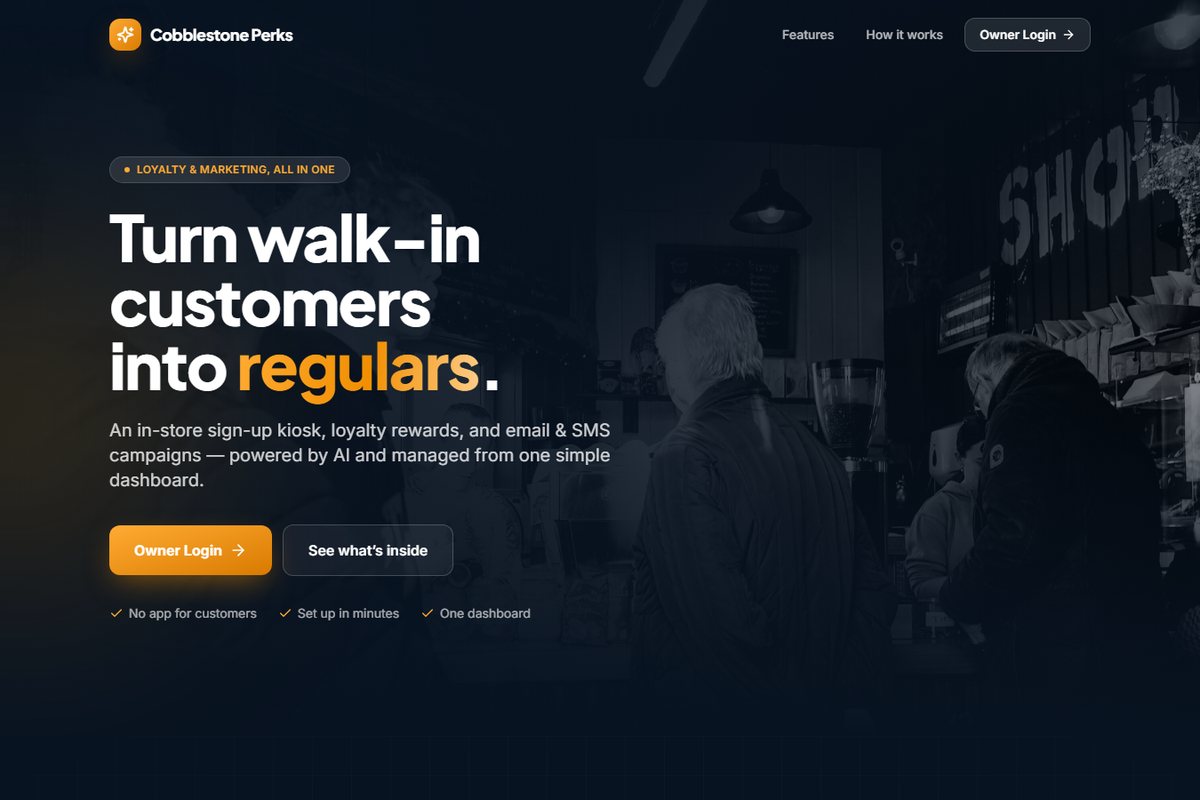
A tablet at the counter where guests join your list with their name, phone, email and opt-in. From there, Perks runs loyalty points and rewards, sends email and text campaigns to the guests who said yes, and keeps a marketing calendar so promotions actually go out.
Every product
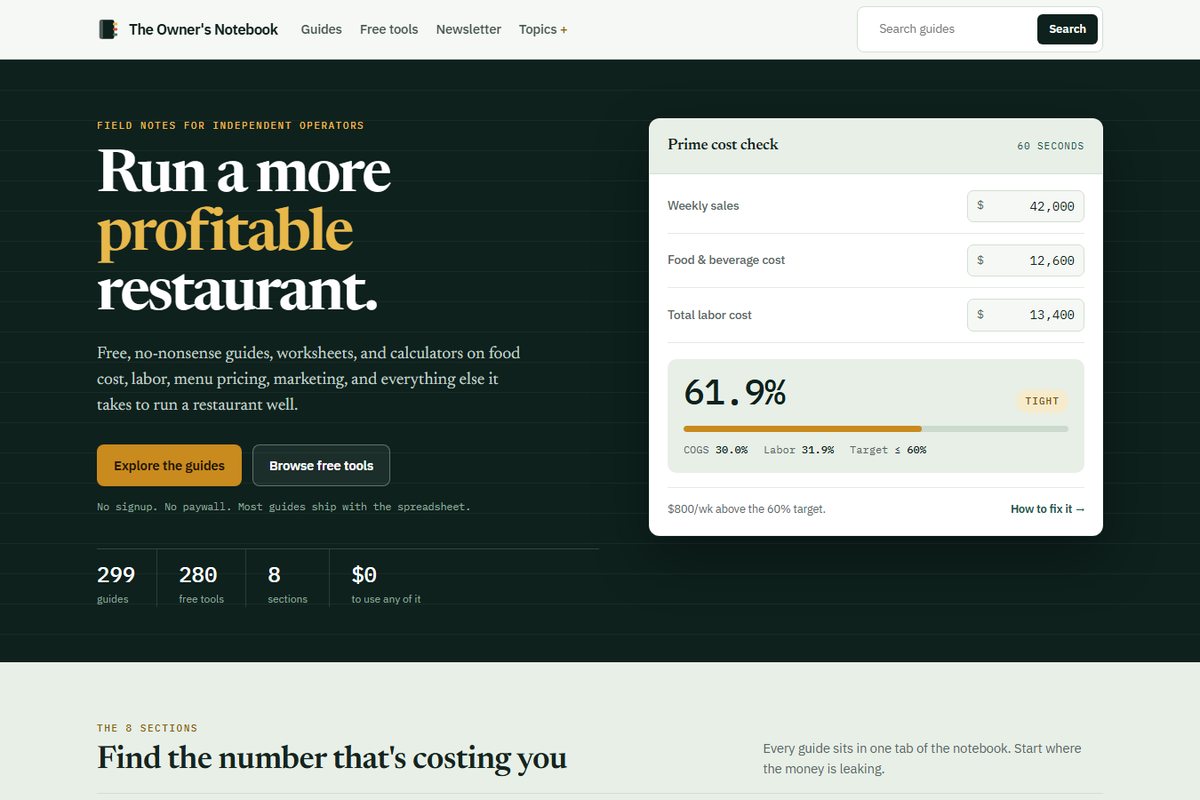
Free guides, worksheets and calculators for running a more profitable restaurant.
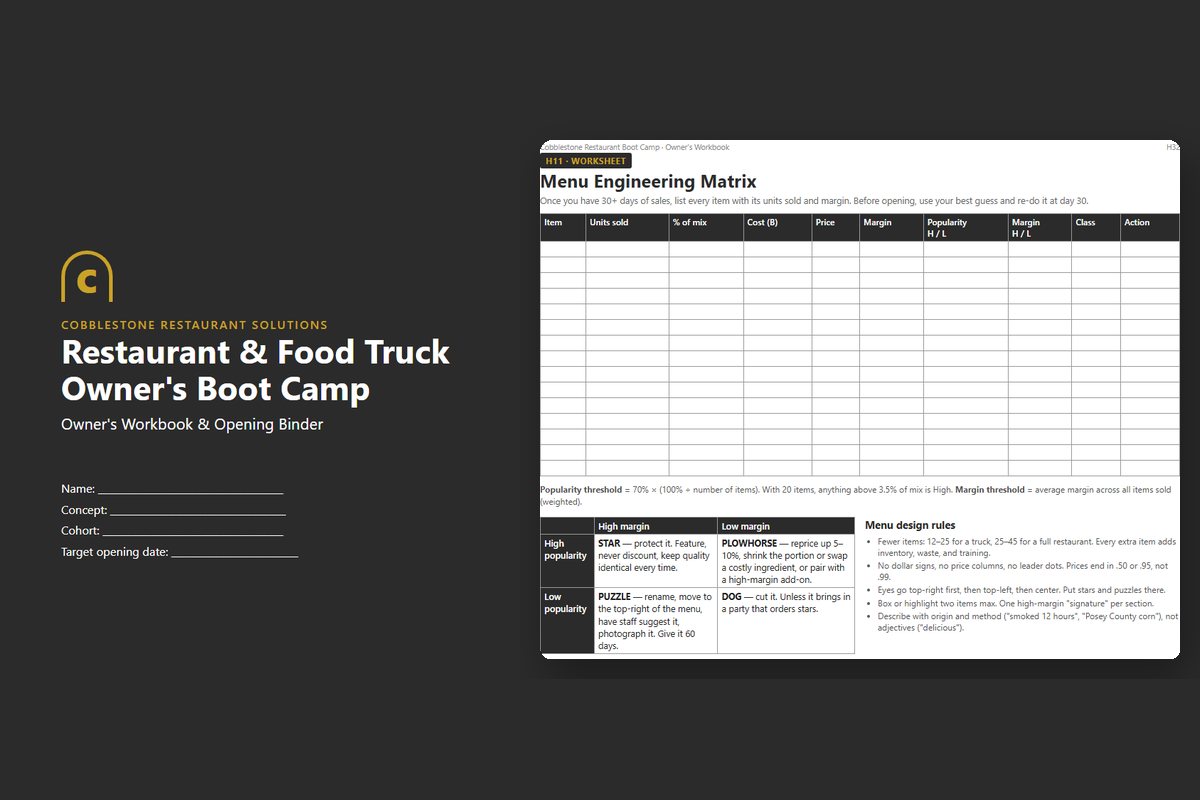
Learn more →The owner's workbook and the 15-tab spreadsheet behind the boot camp.
Learn more →
Why Cobblestone
Jason Dicken spent 25 years opening and running restaurants in Evansville: the 13-location Spudz n Stuffs chain, then Cobblestone Creamery, which he built, systematized and sold. The software here is the software those shops ran on, because nothing off the shelf fit a small restaurant without monthly fees eating the margin.
Based in Evansville, Indiana. In-person consulting, classes and on-site training cover Evansville and the Tri-State (Indiana, Kentucky, Illinois). The POS, payment processing, Perks and remote statement reviews are available to restaurants anywhere in the United States.
Meet JasonFree restaurant resources
Hundreds of free guides, worksheets and calculators on food cost, labor, menu pricing and marketing.
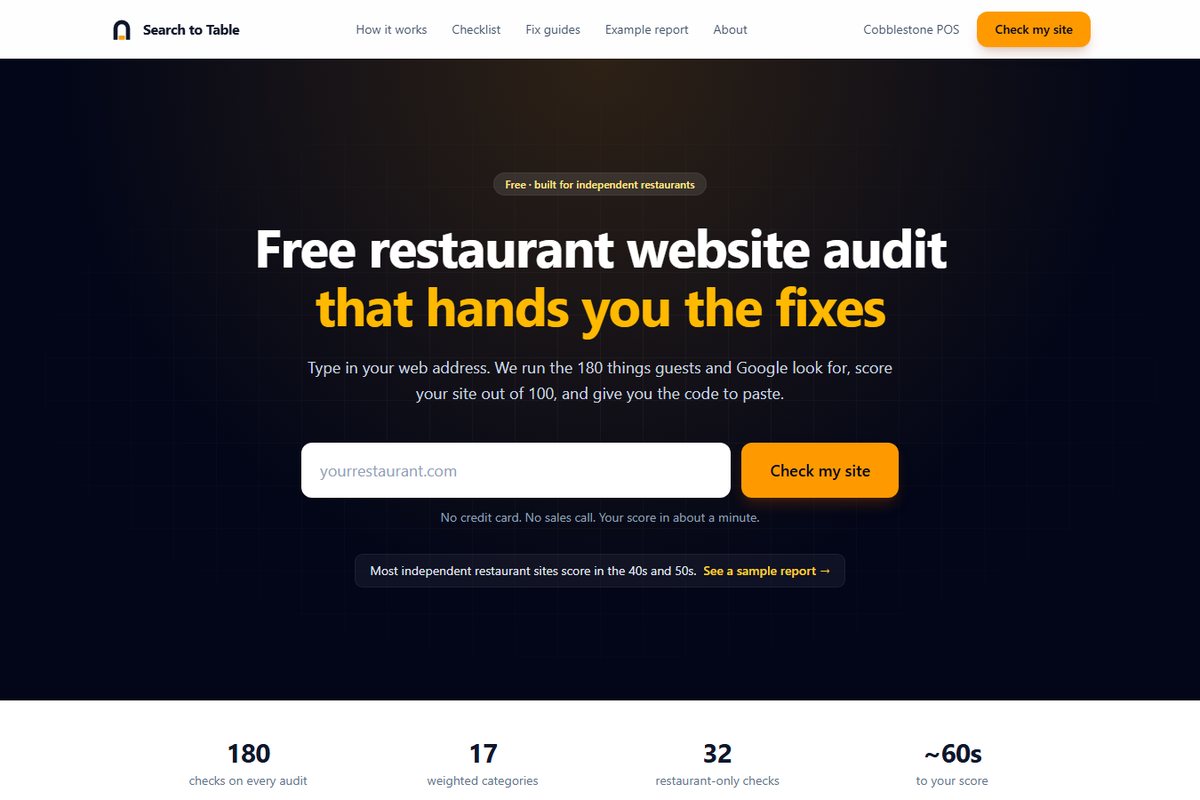
Free toolType in your web address and get a scored report with paste-ready fixes.
Videos & interviewsConversations with the people who run independent restaurants, plus The Restaurant AI Guy.
AI toolsDaisy, the operating partner in the POS, AI hiring, AI marketing, and free monthly workshops to learn them.
TrainingOwner Boot Camp, manager training and free AI workshops in Evansville.
MagazinePractical how-tos, real numbers and news from independent restaurants.
Behind the Ticket
One POS screen handles login, orders, payment, and the kitchen display. This one's for independent owners who are tired of three different systems talking to each other badly.
One POS screen handles login, orders, payment, and the kitchen display. This one's for independent owners who are tired of three different systems talking to each other badly.
Class sign-up