Why We Started Cobblestone POS
The story behind the POS, built while running a real shop.
Restaurant POS system · Scheduling & time clock
Labor is the number you can still change this week. Cobblestone POS puts scheduling, the time clock and labor cost in the POS itself, so you see labor against sales as the shift runs instead of on a separate app's invoice. Included at $0, where others charge $35 to $50 a month.
What it does
Shifts by role and station; copy last week and adjust.
Clock in and out on the POS, with breaks and overtime tracked.
Watch labor percentage move during the shift and send someone home before it's a problem.
Hours, overtime and tips exported for your payroll provider.
Tell Daisy who's available and she drafts the week for you to approve.
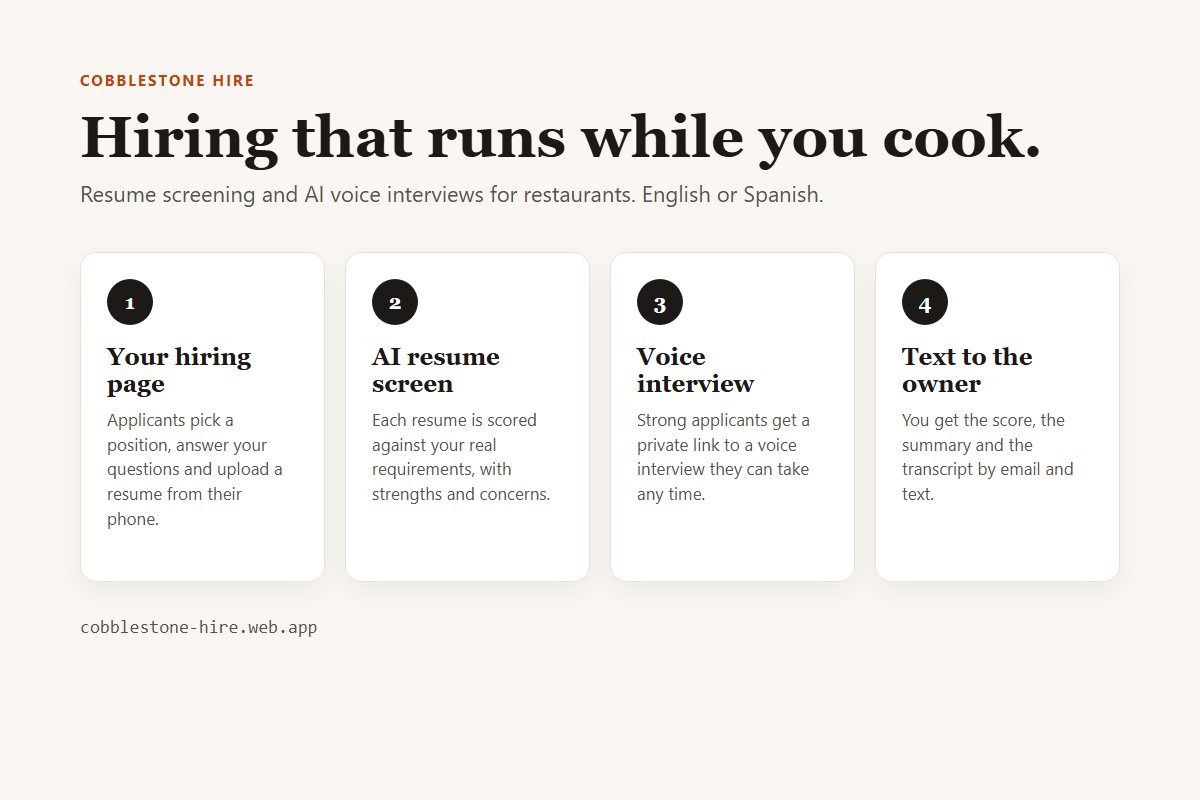
Fill the open shift: AI resume screening and voice interviews, results texted to you.
Part of one system
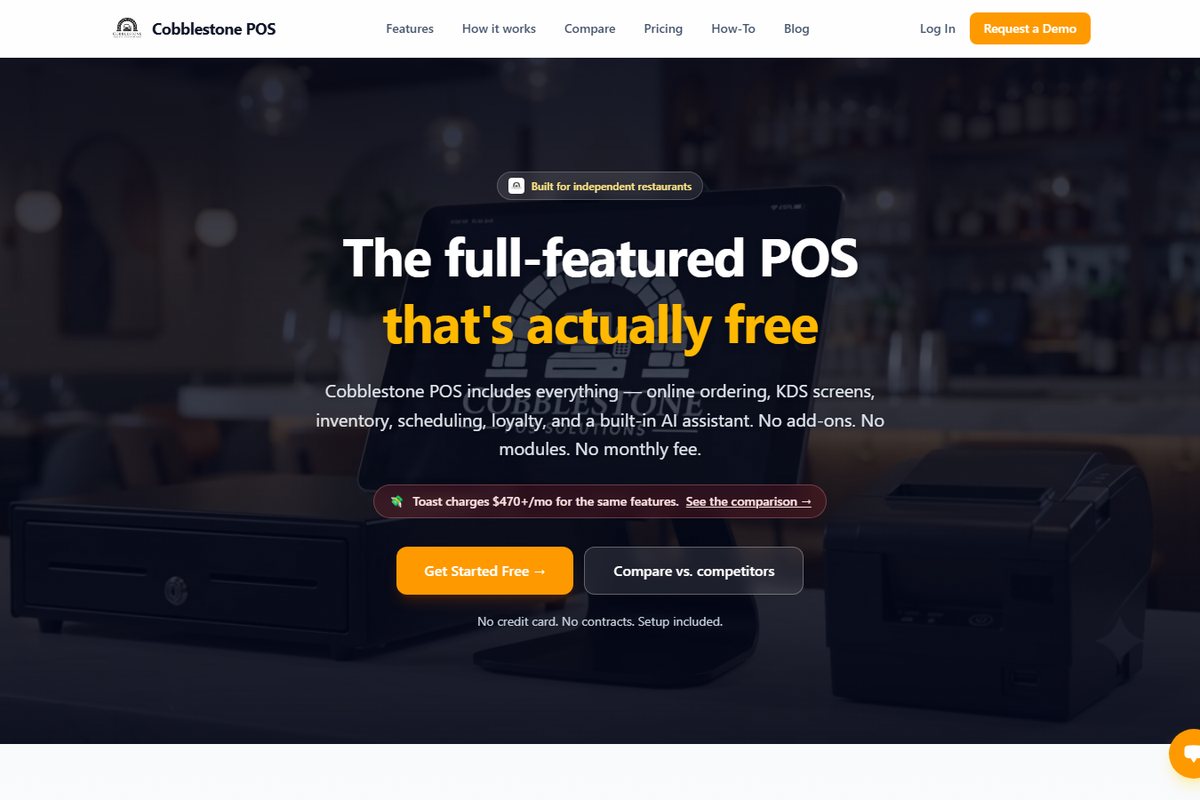
Scheduling & time clock is one piece of Cobblestone POS: point of sale, online ordering, kitchen display, inventory, scheduling, loyalty, delivery and catering, reporting and the Daisy, the AI operating partner. $0 a month, no modules, no contract, available to restaurants nationwide. See how the pricing works.
See the full restaurant POS systemWatch
The story behind the POS, built while running a real shop.
Find any order fast and void it the right way.
Customize receipts and order-ready text messages.
FAQ
No. Scheduling, the time clock and labor reporting are included in the $0-a-month system.
Schedules are published to the team when you approve them. Ask during the walkthrough about the notification options your crew prefers.
Yes. Hours, breaks and overtime are tracked from the time clock and included in payroll exports.
Yes. Daisy drafts schedules from availability and sales patterns; you approve before anything is published.
Keep reading
Works with
Class sign-up